Turn a food photo into a recipe or save the idea
Start with a food image, review a practical Scullery recipe, or keep the original idea for another day.
By The Scullery team · Written
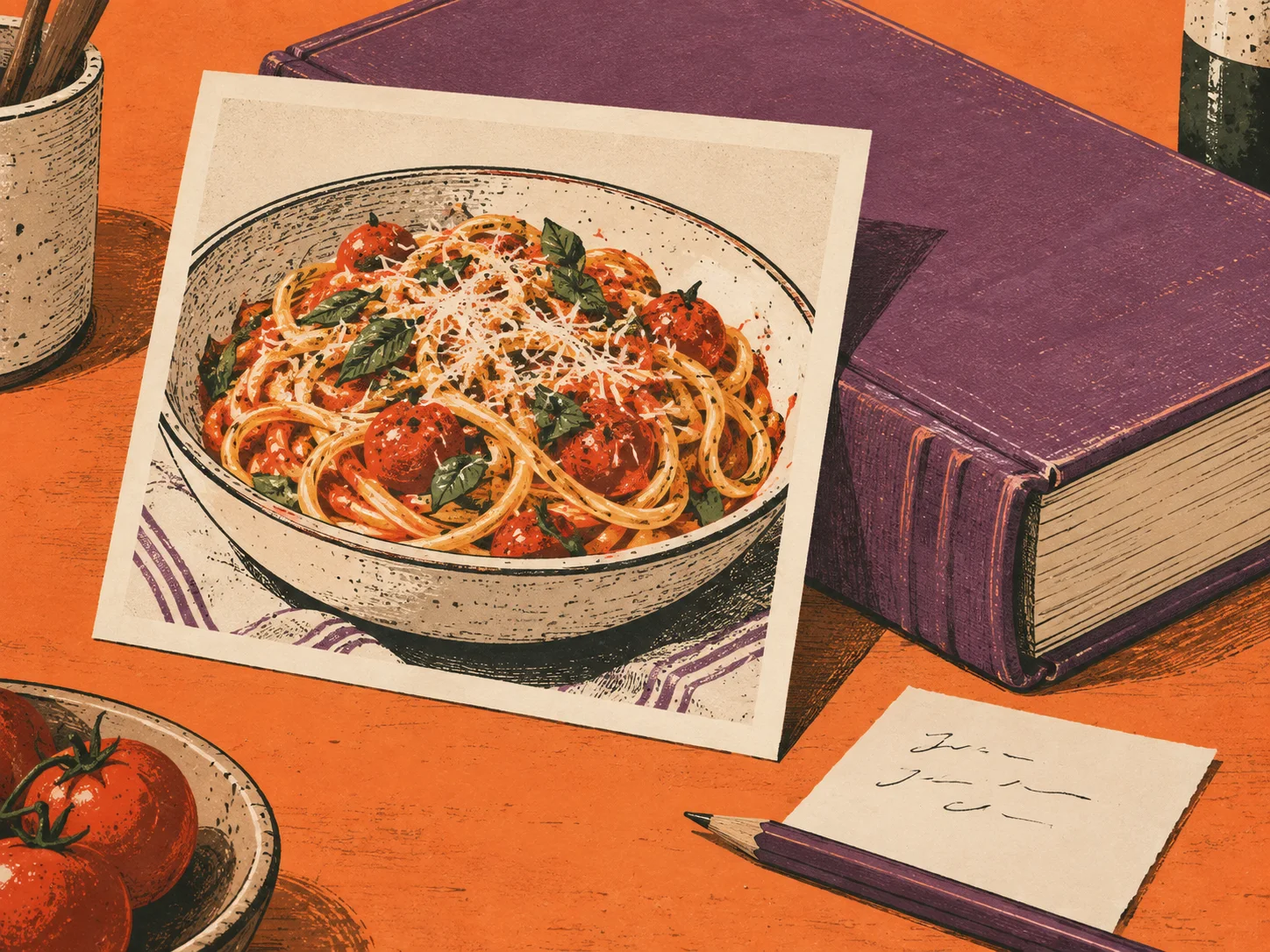
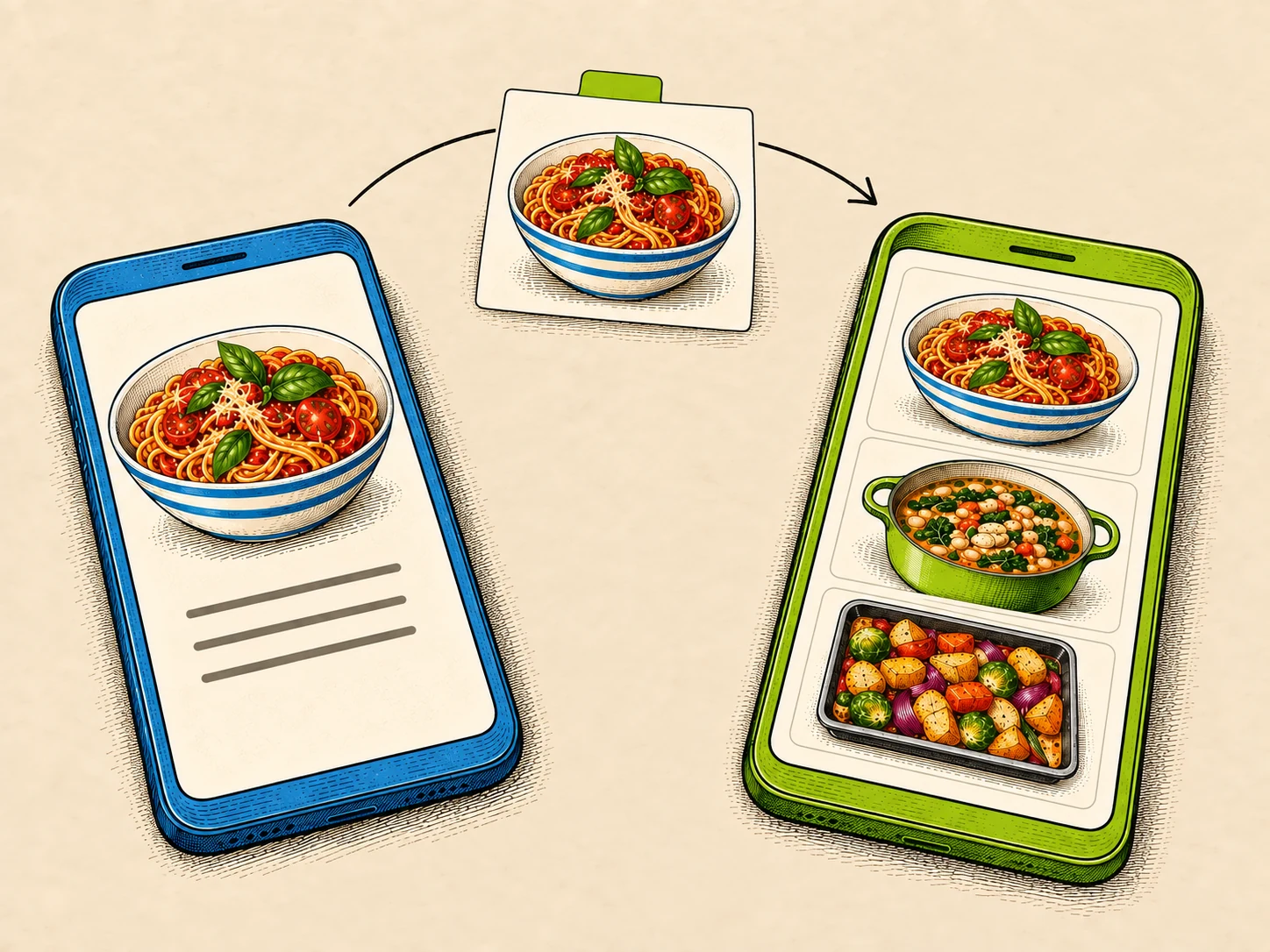
A photograph of a dish can give you something to cook towards, even when you don't have the recipe. In Scullery, you can use it to create an editable recipe proposal or save the image as an idea to return to another day.
Choose the right starting point
When adding an image, choose the path that fits what it contains:
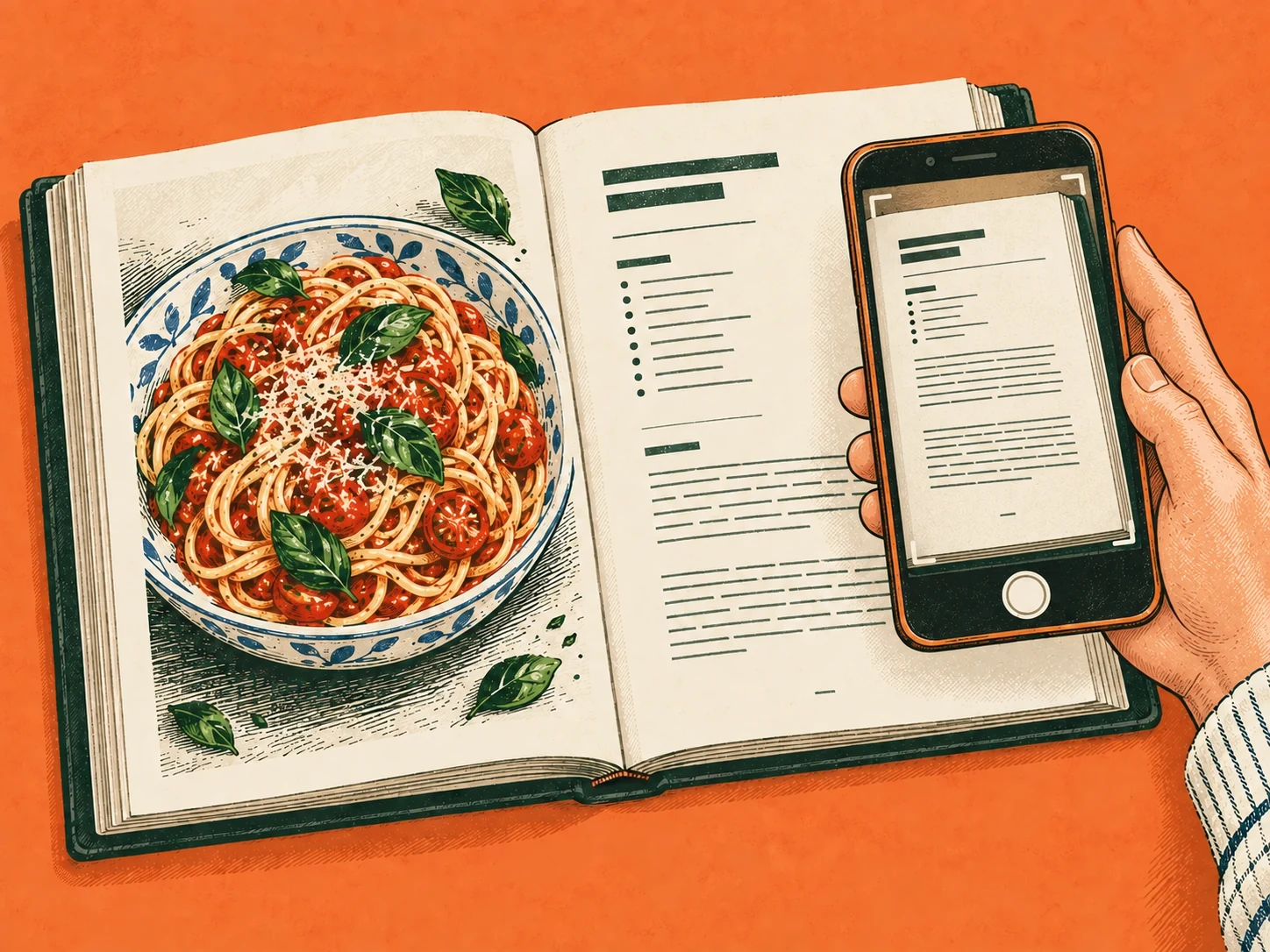
- Scan a recipe for a cookbook page, recipe card or screenshot with readable ingredients and instructions.
- Create from idea for a finished dish, menu item, package or label that gives you an idea without a complete recipe.
For example, a photograph of a bowl of pasta might show tomatoes and herbs. It won't tell you the exact quantities or everything that went into the sauce. Create from idea uses what is visible as the starting point for a proposed recipe.
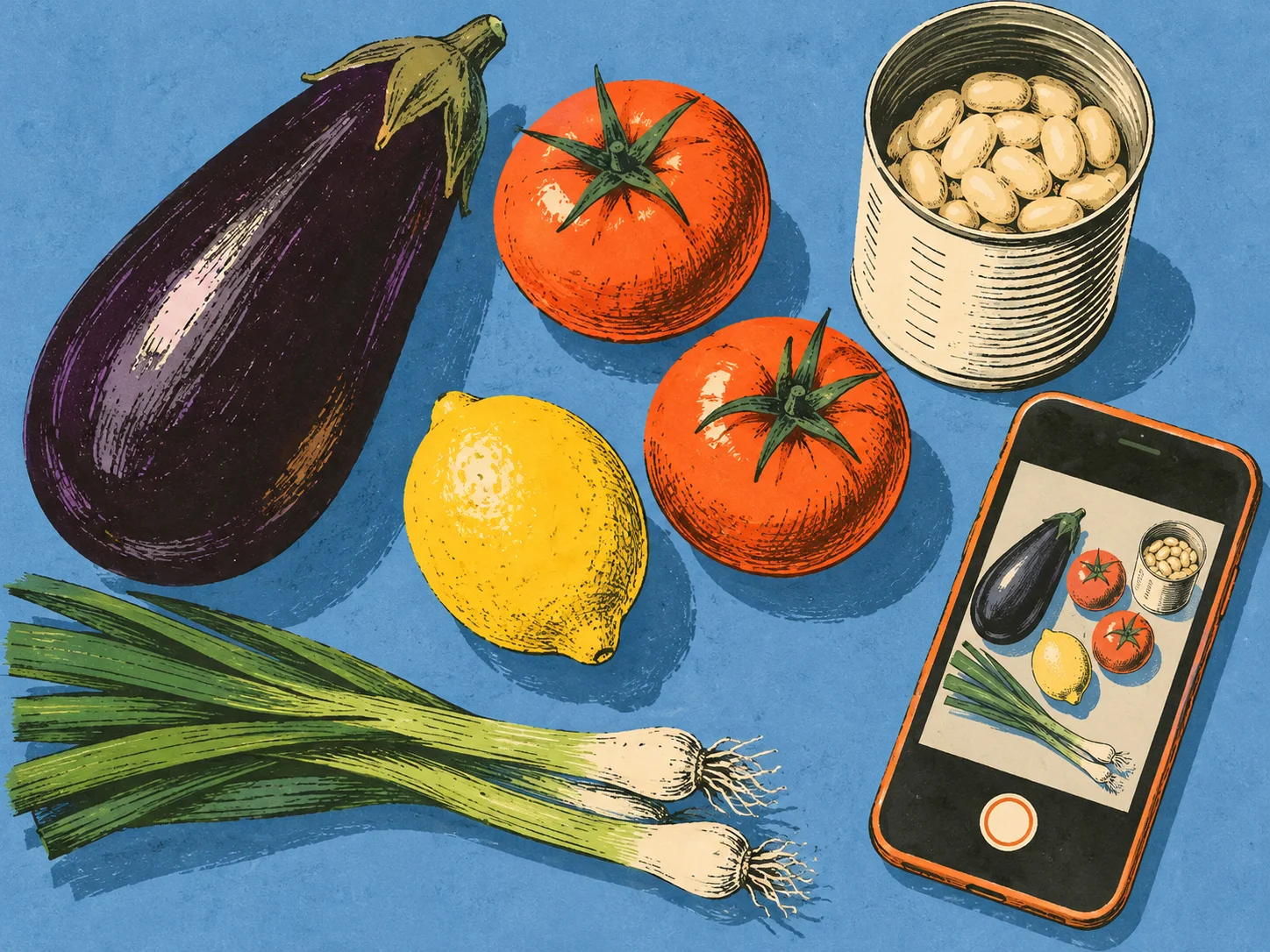
If your photograph shows loose ingredients you want to cook with, try ingredient-photo search instead.
Review the proposed recipe
Scullery separates visible observations from its assumptions and proposes one practical recipe for you to edit. If several dishes could be the subject of the image, it asks you to choose one.
Read the servings, ingredients and instructions, along with the choices Scullery made. Change anything that doesn't fit what you want to cook. You might want a different serving size or prefer to adjust a suggested ingredient before saving.
Treat the result as a starting recipe to review. A photograph cannot establish the original cook's method, and a recipe proposed from a package label is a Scullery version rather than the manufacturer's exact recipe.
Keep the idea for later
You can choose Save idea if you aren't ready to make a recipe. That keeps the image and its context private to the household, ready to come back to when it is useful.
If you save the proposed recipe, its original idea stays linked as the source. You can return to the image when deciding what to adjust or remembering what caught your attention.
Create from idea is available to signed-in households, within the usage limits on AI features. Try it with one food image you've been meaning to return to, and decide whether you want a recipe to work on or simply somewhere to keep the idea.