Find recipes from a photo of your ingredients
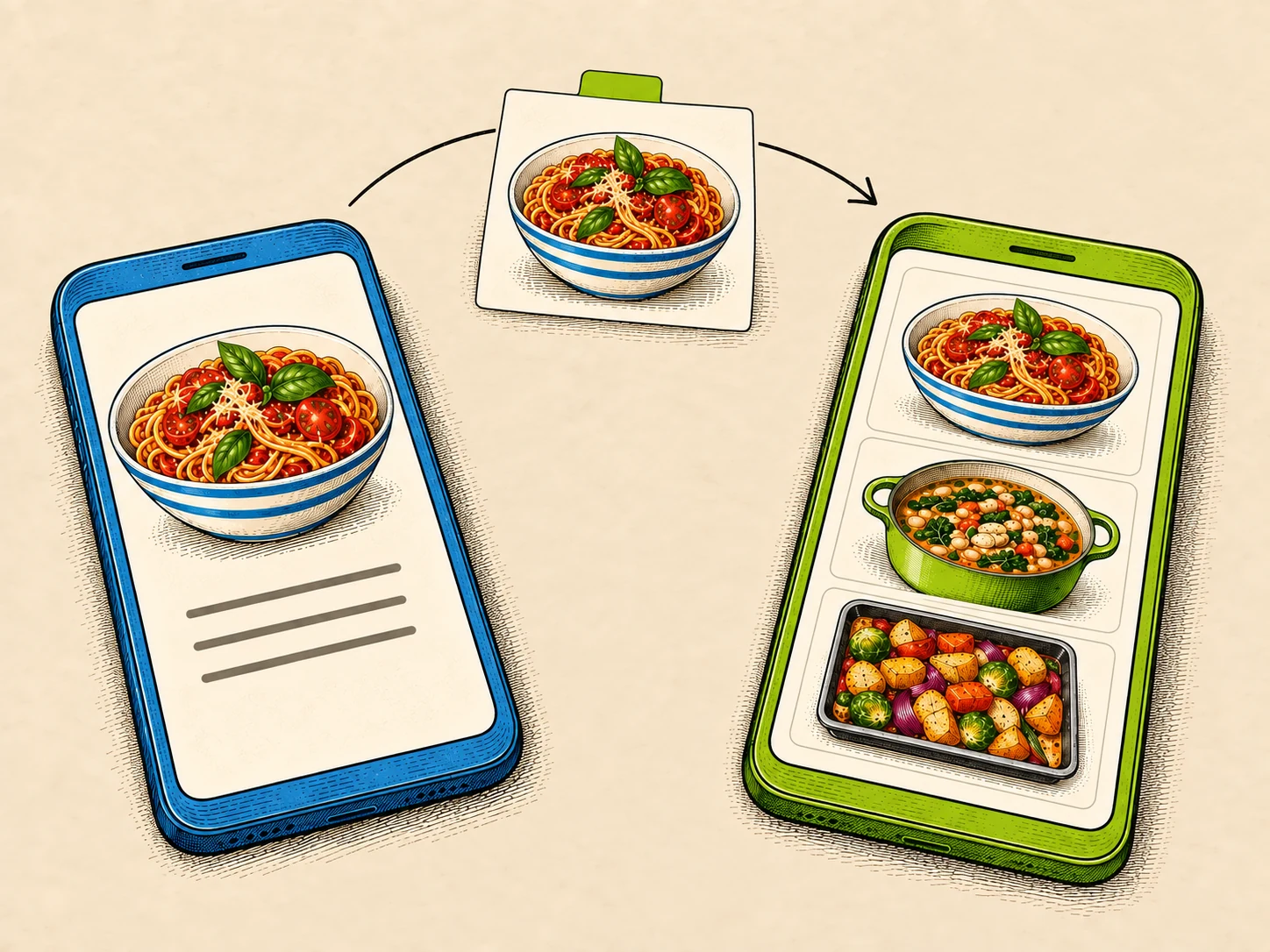
Photograph the ingredients in front of you, review what Scullery recognises, and search for recipes that make good use of them.
By The Scullery team · Written
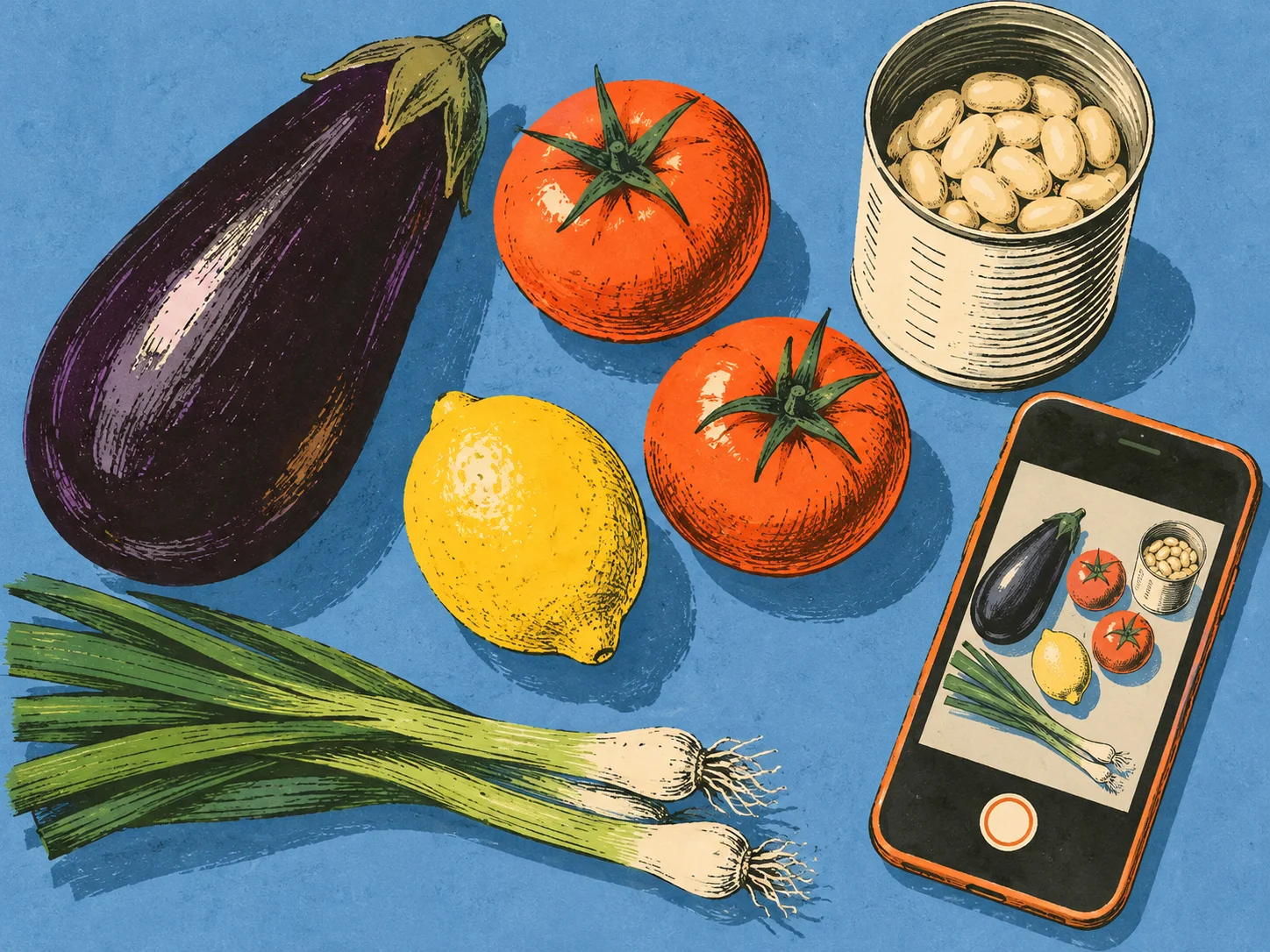
Take a photo of the ingredients you want to use, check the names Scullery recognises, and search for recipes. It's a useful starting point when you have a few things on the counter and would like some ideas for what to make with them.
Start with the ingredients you want to use
Suppose you have an aubergine, tomatoes and spring onions. Gather them for a photograph, or choose an existing image. Scullery suggests ingredient names for you to review before searching.
Choose ingredients you actually want to include today. You can leave other things for another meal. The search starts from the names you confirm, so this is also a chance to narrow your focus before looking at recipes.
Check the suggestions
Look through each name. A bag can obscure an ingredient, a label can be hard to read, and similar-looking foods can be confused.
You can edit a suggestion, remove it, or add something the camera missed. If the spring onions were hidden behind the tomatoes, add them yourself. If something has been recognised incorrectly, correct it before continuing.
Only the names you confirm go into the recipe search. Scullery looks for useful ingredient matches and keeps the discovery filters you already chose. The photograph helps you start the search; reviewing it gives you control over what you ask for.
Read the recipes before choosing
Open an appealing result and check its full ingredients and method. Matching the aubergine and tomatoes might be useful, but the dish could still need beans, herbs or something else you haven't included.
Check quantities against what you have, then decide whether to shortlist the recipe or keep looking. The photo search doesn't measure amounts or maintain a pantry inventory. Scullery relies on you to supply that kitchen context.
The ingredient photograph and recognition result are temporary; this flow doesn't save the image to your cookbook. If you want to keep a photograph of a finished dish, use Create from idea, which has a separate review and saving process.
Ingredient-photo search is available to signed-in households, within the usage limits on AI features. Start with a handful of ingredients you want to use and review the suggestions before running your first search.