How to import a recipe into Scullery
Pick the source that contains the recipe, review the important details and save it to the right place in your household cookbook.
By The Scullery team · Written
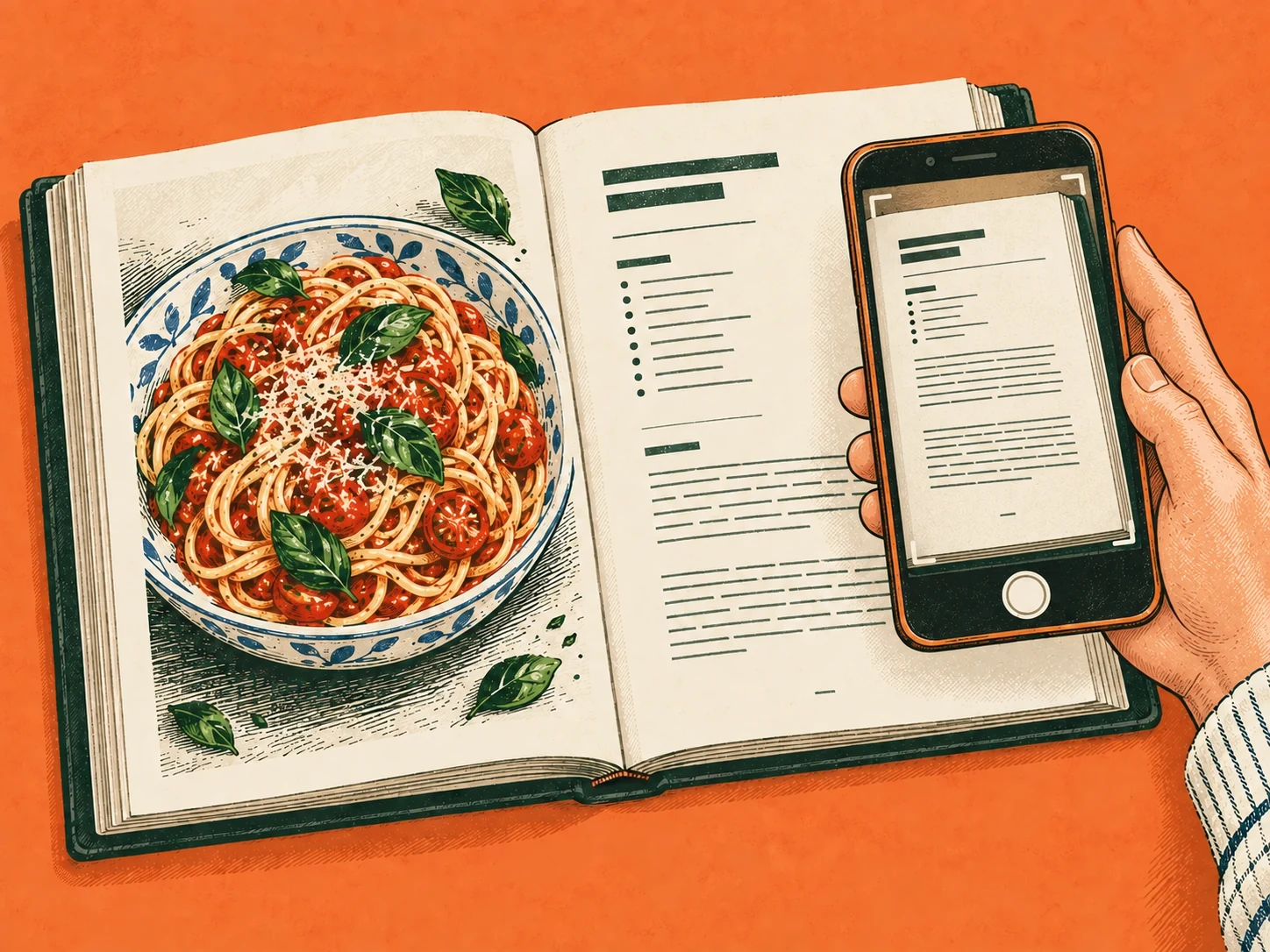
To import a recipe into Scullery, start with a link, pasted recipe text or a readable photo of the recipe. Review what comes back before saving. An import gives you a draft to work with; checking the ingredients and instructions is what makes it useful for your next meal.
Choose the source with the clearest recipe
In Library, choose Add recipe, then pick the input that matches your source. Use the full page link for a website recipe (tap Paste to drop in a link you've copied), or paste the ingredients and method together from a message.
For a cookbook or handwritten card, use an image where the text can be read.
Prefer the actual recipe page over a search result or a general profile link. If a social post refers to a recipe on a separate website, that page may contain details absent from the caption.
When photographing a recipe, include any continuation of the method. Check that a page fold or shadow hasn't hidden a quantity. The aim is to give Scullery the evidence you would need to read the recipe yourself.
Compare the draft with the source
Keep the original available while you review:
- Servings: does the stated yield match the source?
- Ingredients: are quantities, units and separate components present?
- Instructions: are steps in order, including temperatures and waiting stages?
- Context: can you identify and return to the source?
Suppose a recipe lists one lemon and later uses both zest and juice. Check that the draft retains those uses; changing them into two whole lemons would alter the shopping requirement. Correct the recipe while the source is still open.
A successful import doesn't guarantee that every detail is correct. If something important is missing, add it from the source or leave the draft visibly unfinished until you can check it.
Choose how to save it
Choose Save recipe to keep it in Recipes or Save to try to put it in To try. Those choices describe your intention. An unfinished recipe can be saved in either place and completed later.
For source material you want to keep as an Idea, use Save idea where that option is offered. Ideas can hold useful links, images and notes without presenting them as a complete recipe.
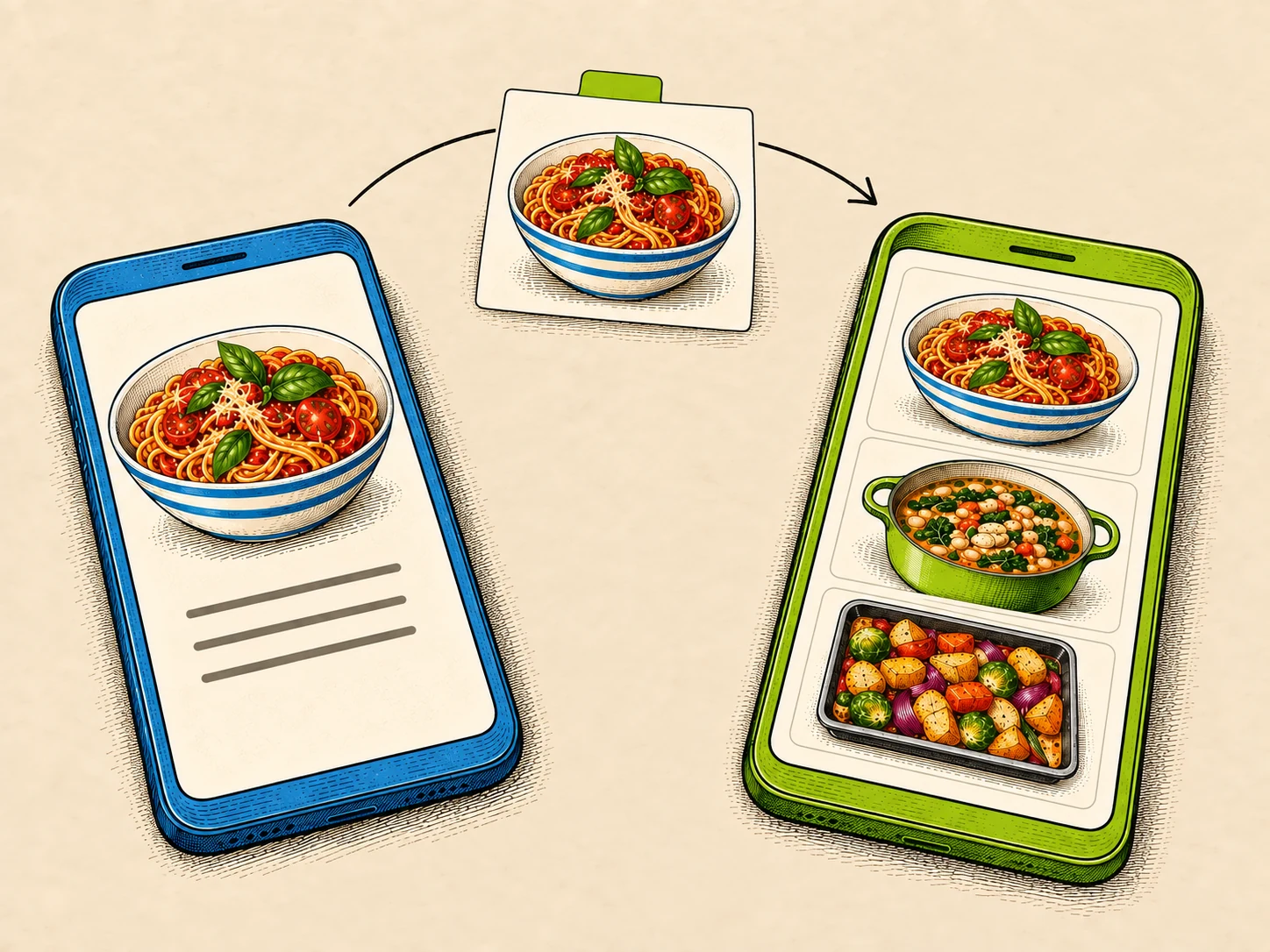
A finished-food photograph is a different starting point from a readable recipe page. Use Create from idea when you want to work from the appearance of a dish.
Open the saved recipe once
Check the saved version before adding it to a plan or shopping from it. Start with one clear source, then try your more difficult cards and clippings. For a growing collection, a few naming habits will make those imports easier to find again.