Recipe saver for Chrome: save from sites that block apps
Add the Scullery button to Chrome on your computer, pin it, and click it on a recipe page that Scullery cannot read by itself.
By The Scullery team · Written
Most of the time you can paste a recipe link into Scullery and it reads the page for you. A few sites won't allow that. For those, the Scullery button for Chrome sends the page you already have open, in one click.
Why some sites turn apps away
Some recipe sites sit behind a guard that lets people in but turns away anything that looks like an app. Others now charge apps for every page they read. Either way, Scullery gets a refusal, and the add page tells you the site does not let apps read its recipes.
You can still see the recipe, because you are a person reading it in your browser. The button hands Scullery the page you are reading, so Scullery doesn't need to ask the site for it.
Add the button to Chrome
- In Chrome on your computer, open Scullery on the Chrome Web Store and choose Add to Chrome.
- Click the puzzle piece in Chrome's toolbar and pin Scullery, so the button stays in view.
- Sign in to Scullery in the same Chrome profile.
Send a recipe
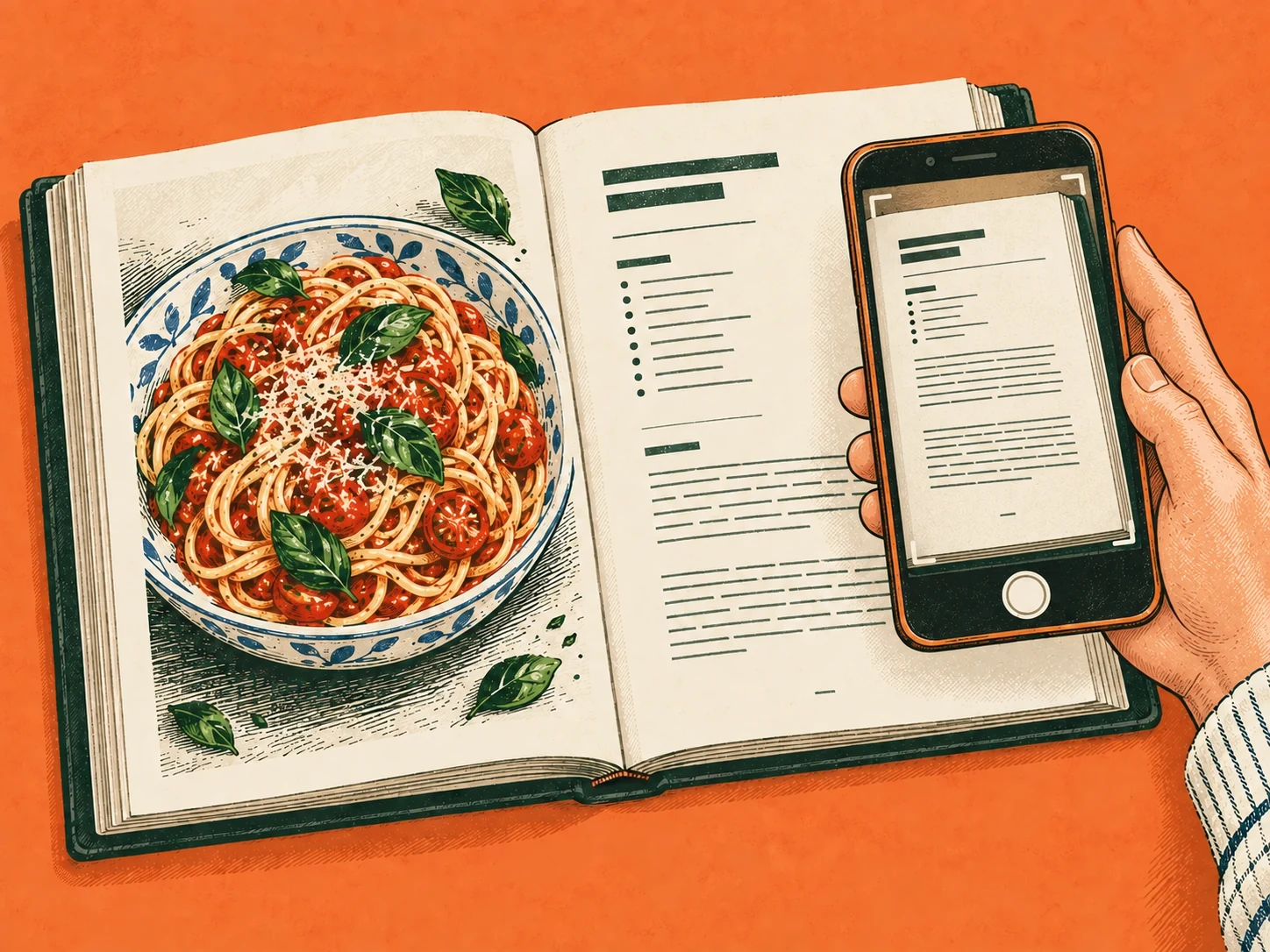
Open the recipe and click the Scullery button. A Scullery tab opens beside it and reads the recipe.
If the page holds one clear recipe, Scullery saves it to your recipes to try and opens it, with a link to the original. Check it against the original before you cook. If anything needs a look, or the page holds several recipes, it opens on the add page for you to review and save. A round-up that only links to other recipes won't work: open the one you want and click there.
What the button reads
Only the tab you click it on, and only when you click. It reads that page's address and contents and passes them to the Scullery tab it opens. It doesn't run on the other sites you visit and keeps no password: Scullery uses the sign-in you already have.
When you add it, Chrome says the extension can read and change your data on app.scullery.online. That is the Scullery tab it opens, not the sites you browse.
When something goes wrong
The button never tries again on its own. It tells you what happened, and another click is usually the fix.
- Signed out: the Scullery tab keeps nothing and asks you to sign in. Then click again.
- The Scullery tab doesn't answer: a short note appears at the foot of the recipe page.
- A page Chrome won't let it read, such as a PDF or a Chrome settings page: a ! appears on the button, and hovering over it says why.
- A page too big to send: copy the ingredients and steps and paste them in.
For other ways to keep a web recipe, see how to save recipes from websites. The import walkthrough covers what to check in a draft before you save it.
Common questions
Do I need a Scullery account to use the button?
Yes. Sign in to Scullery in the same Chrome profile, with your email verified, before you click. If you are signed out, the Scullery tab keeps nothing and asks you to sign in and click again.
Can the extension see the other sites I visit?
No. It reads a page only when you click the button, and only the tab you clicked it on. It does not run on other sites and holds no password.
Does it work on my phone or in other browsers?
We have made it for Chrome on a computer. On a phone, copy the recipe's ingredients and steps and paste them into Scullery instead.