How to save Instagram recipes so you actually cook them
Two real reels, one that became a recipe and one that stayed an idea, and how to tell which you have.
By The Scullery team · Written
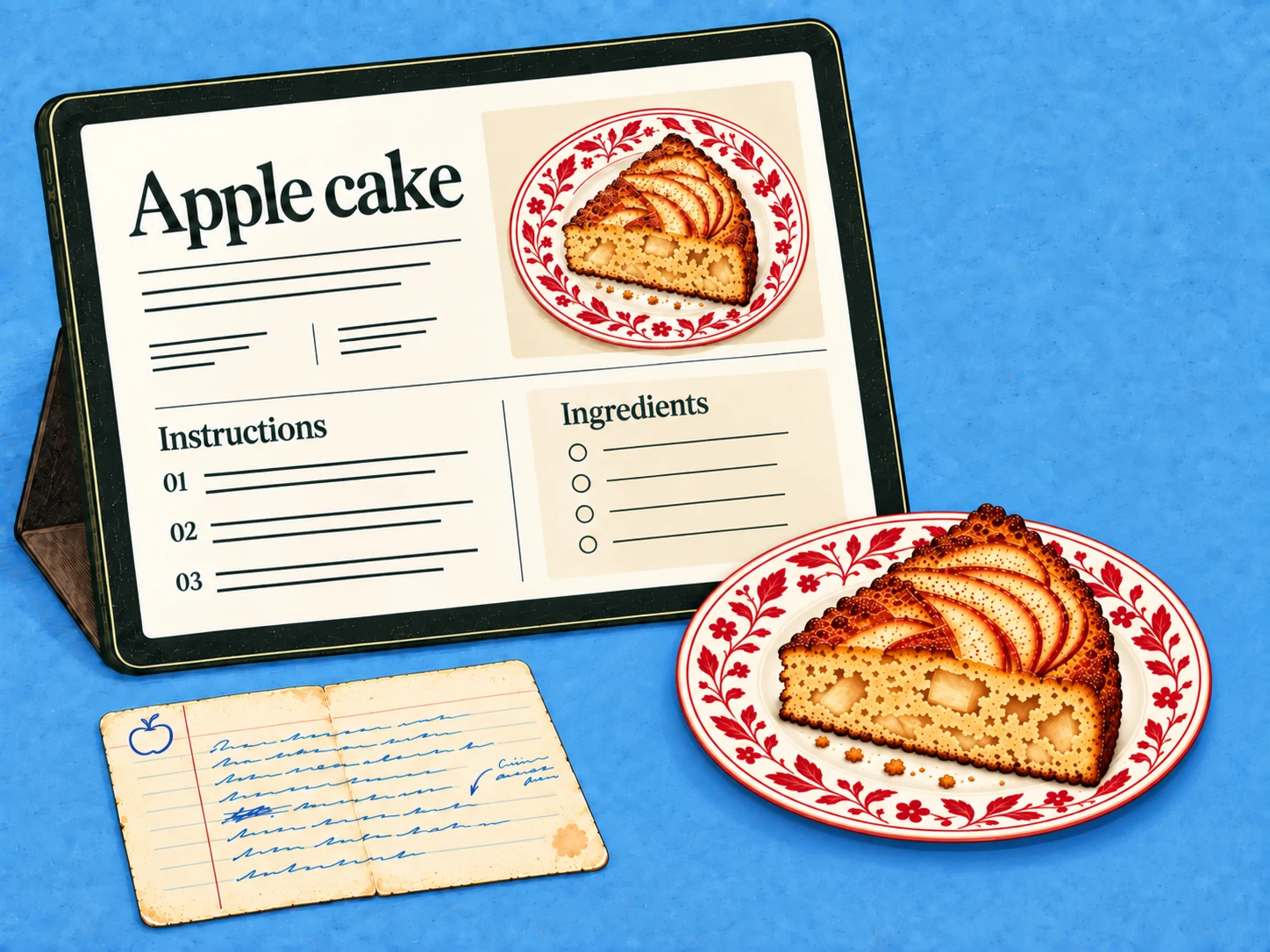
Saving an Instagram recipe is easy; cooking it later is the hard part. The bookmark keeps the post, but not a list of ingredients to shop for or a method you can follow at the hob. To actually cook what you save, turn the reels worth cooking into recipes, and be honest about the ones that are only ideas.
Get the link, then check what's really there
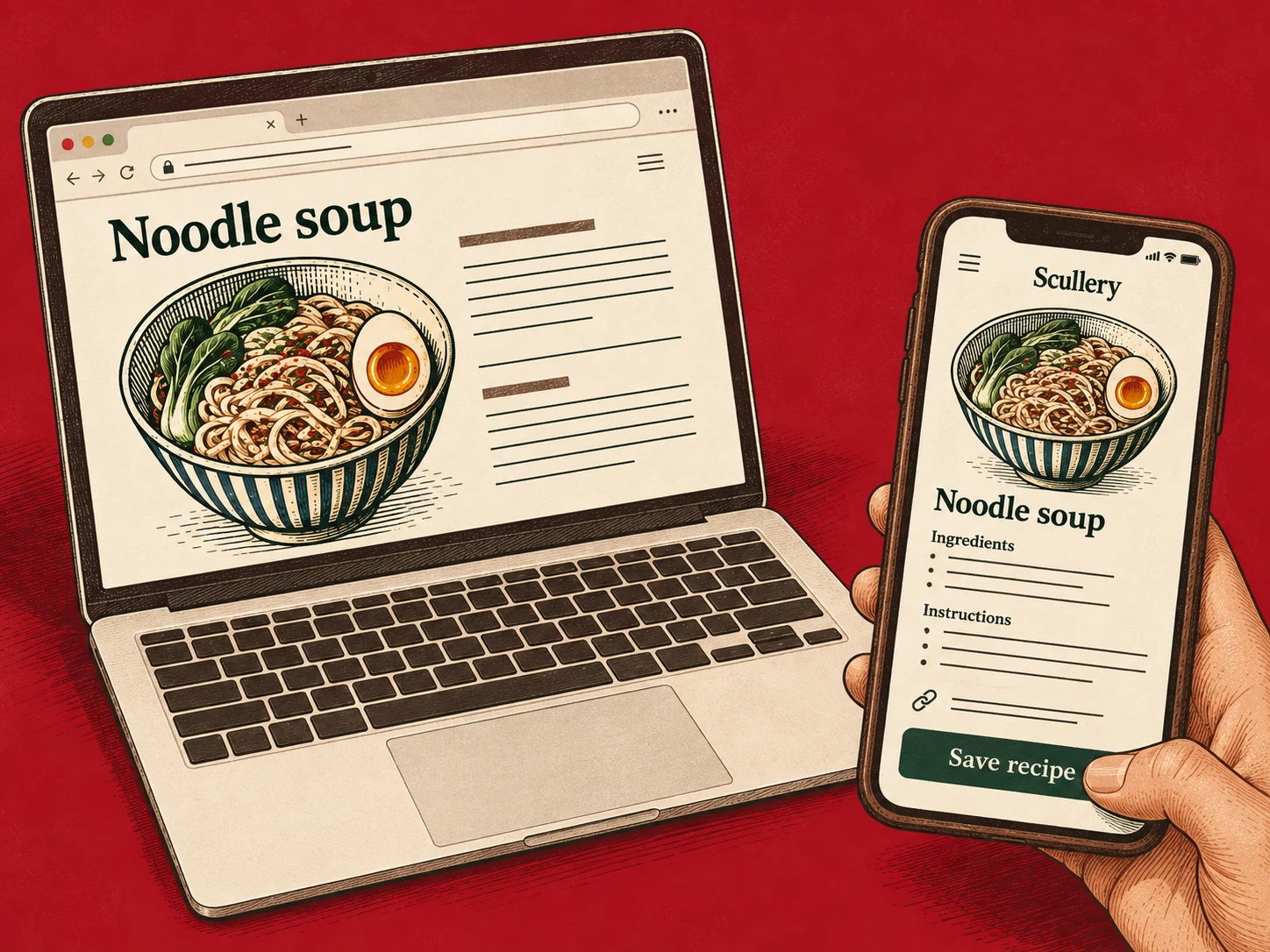
Start from the post's share menu and copy the link. We make Scullery, and that's what it imports: choose Add, then From a link, and paste. On Android, once Scullery is on your home screen, you can share a post straight to it.
What you get depends on what the creator published. Reels tend to come in three kinds:
- The caption has the full recipe. Easy.
- The caption lists the ingredients and the method is in the video.
- The caption says "comment for the recipe" or points to a website.
For the third kind, follow the link and save the website's recipe page. It usually has everything the reel leaves out.
A reel that became a recipe
One public reel we used while building video reading was a cacio e pere: pasta with pecorino and pear. The caption gave the title and the ingredients. The method was only shown on screen, not written down.
When a caption describes a dish but leaves the recipe incomplete, Scullery reads the public video and adds what it finds to the draft. That works for Instagram today, and only when there is a caption to start from: a reel with no usable caption is saved as an Idea. For that reel, the steps came from the video, and the draft was a complete recipe. We still read it through before saving, as you should with any import.
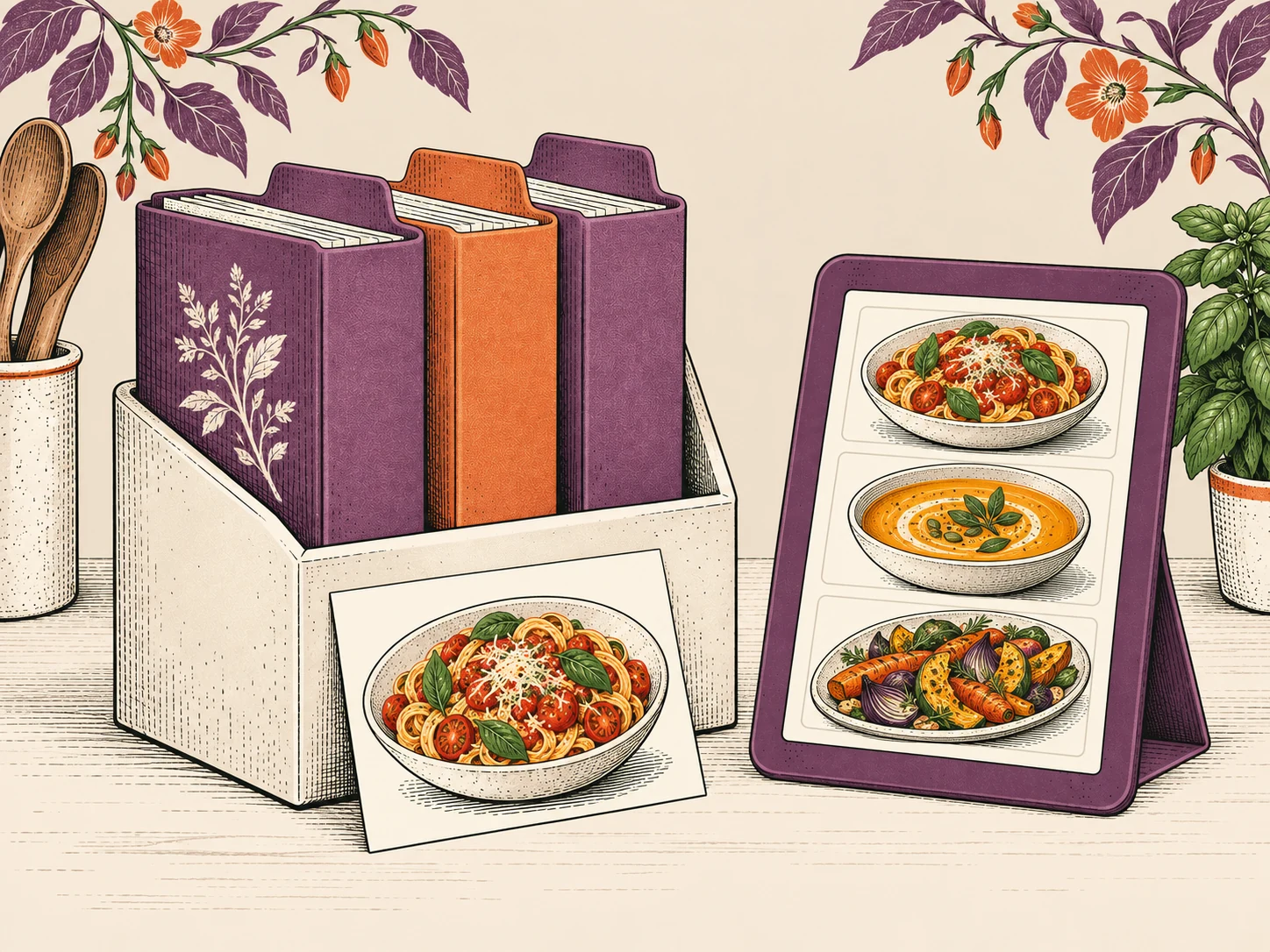
Then save it with Save to try if you haven't cooked it yet. That puts it on the To try shelf, where it can come up when you're choosing dinner, go on the shortlist, or go to the shopping list with its ingredients.
A reel that stayed an idea
Another reel could only be watched when signed in to Instagram. Scullery never signs in, so it couldn't read that video, and the caption alone wasn't a recipe. The draft said so, and suggested saving it as an idea.
That's the honest outcome. An Idea keeps the link, the caption and your notes, without pretending to know quantities nobody published. When you want to cook it, open the source, fill in what's missing, and turn it into a recipe.
Keep the pile small
Save to try only what you'd make in the next few weeks, and keep everything else as an Idea. A short To try shelf gets cooked; a folder of four hundred reels doesn't.
There's more on the difference in Keep rough ideas rough, and the general steps for links, text and photos are in how to import a recipe into Scullery.
Common questions
How do I save a recipe from Instagram?
Copy the post's link from the share menu and paste it into a recipe app or a note. In Scullery, choose Add, then From a link, and paste it. You review the draft before it is saved.
What if the recipe is only in the video?
Today Scullery does this for Instagram: when a public reel's caption names the dish but leaves the recipe incomplete, it reads the video and adds what it finds to the draft. A reel with no usable caption is saved as an Idea instead. Videos over three minutes aren't read, and private or login-only posts can't be read at all.
What if the reel says the recipe is on a website?
Open the link in the bio or caption and save the website's recipe page instead. It usually has the full ingredients and method.
What is the difference between a Recipe and an Idea in Scullery?
A Recipe has ingredients and steps you can shop and cook from. An Idea keeps the link, caption and your notes when there isn't a complete recipe to save. You can turn an Idea into a recipe later.