Best grocery list apps: 12 options for shared shopping
Find a free shared list or a planner that brings recipe ingredients into your shop, with paid extras clearly marked.
By The Scullery team · Written
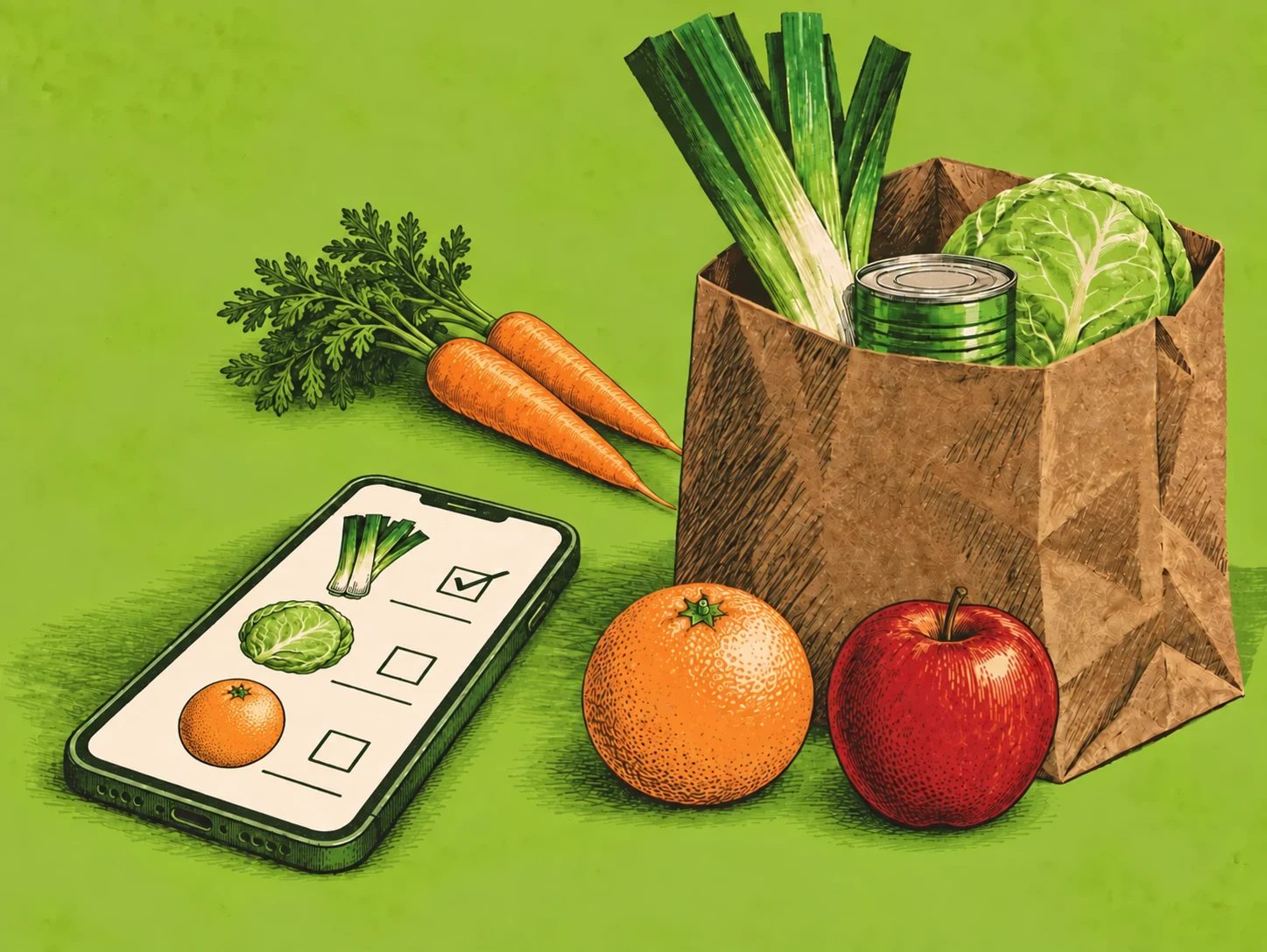
The best grocery list app is one everyone who shops can keep up to date. Scullery gives households a free list connected to their recipes and meal plans. A dedicated checklist may be enough for everyday essentials, so compare how each app handles sharing, quantities and the cost of useful extras.
Compare 12 grocery list apps
We make Scullery; this comparison uses official pages checked on 15 September 2026, not a hands-on ranking. Links lead to feature and pricing sources. Dollar prices are USD; store prices and billing options vary by country.
| App and platforms | Cost | Best suited to | Check first |
|---|---|---|---|
| Scullery Web | Cost: Free — no subscription or app purchase | Best suited to: Ingredients linked to household recipes | Check first: Free account needed; AI usage limits |
| AnyList iOS, Android; paid web/Mac | Cost: Free lists; Complete $9.99/year individual, $14.99/household | Best suited to: Dedicated shared lists and categories | Check first: Web access and photos paid |
| Bring! iOS, Android | Cost: Free core features | Best suited to: Visual lists and retailer offers | Check first: Offers vary by region |
| OurGroceries iOS, Android, web | Cost: Free with ads; paid ad removal | Best suited to: Straightforward household list sharing | Check first: Ads in free version |
| Out of Milk iOS, Android, web | Cost: Free | Best suited to: Shopping and pantry lists | Check first: Keep pantry quantities current |
| Listonic iOS, Android, web | Cost: Free with ads; optional Premium | Best suited to: Shared lists with spending totals | Check first: Enter prices for cost estimates |
| Apple Reminders Apple devices | Cost: Included; no app fee | Best suited to: Groceries grouped within iCloud | Check first: Check household Apple/iCloud setup |
| Google Keep iOS, Android, web | Cost: Free | Best suited to: Shared checklists in existing notes | Check first: Write quantities and groups yourself |
| Cozi iOS, Android, web | Cost: Free; Gold $39/year; Max $79/year | Best suited to: Shopping beside family organisation | Check first: Free version includes ads |
| Paprika iOS, Android, Mac, Windows | Cost: One-time purchase per platform | Best suited to: Shopping from your recipe collection | Check first: Separate platform purchases |
| Plan to Eat iOS, Android, web | Cost: $49/year or $5.95/month; 14-day trial | Best suited to: Lists generated from scheduled meals | Check first: Subscription after trial |
| Samsung Food iOS, Android, web | Cost: Free; optional Food+ $59.99/year | Best suited to: Shopping alongside saved meal plans | Check first: Check regional retailer integrations |
When Scullery's free list fits
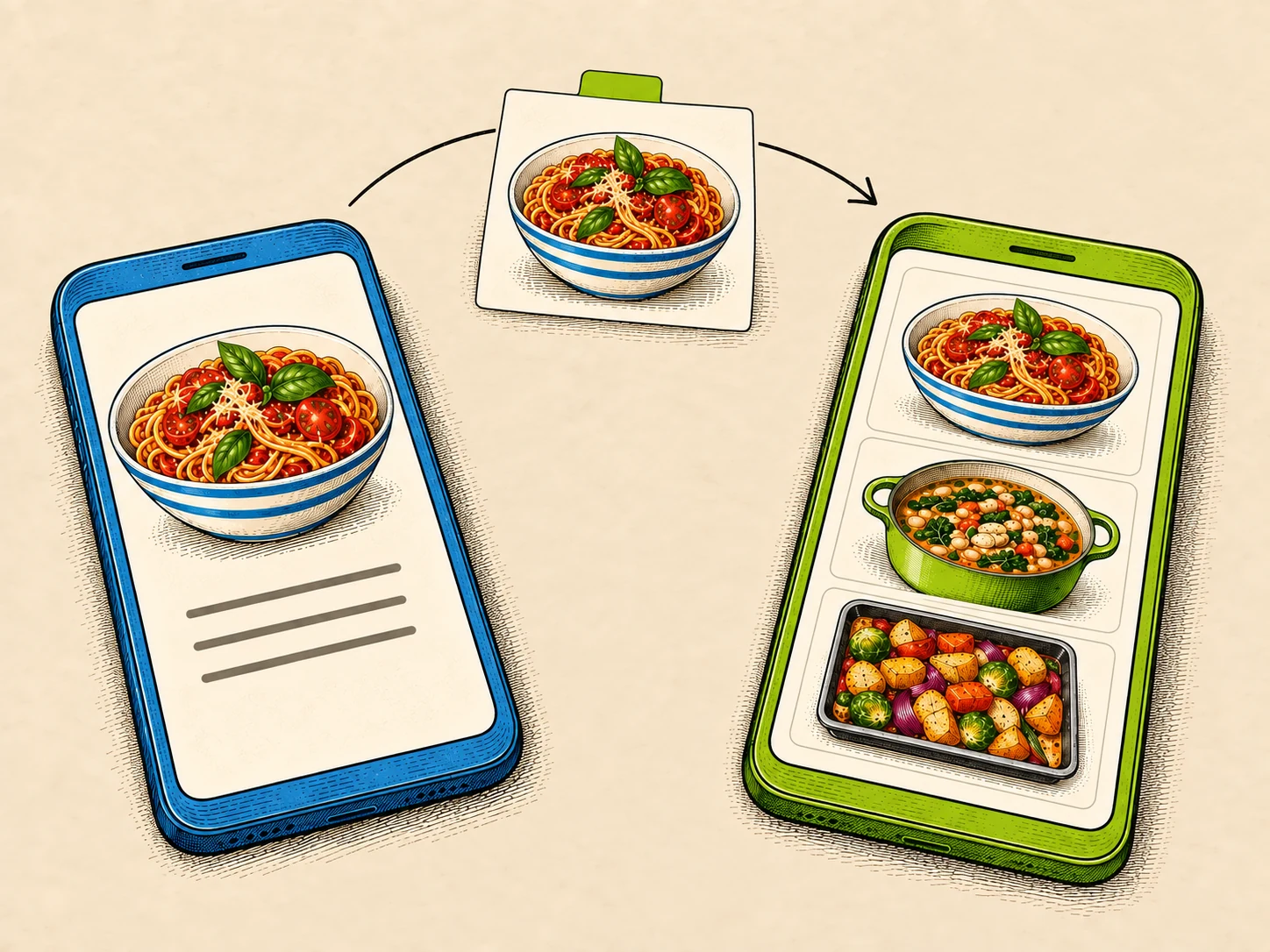
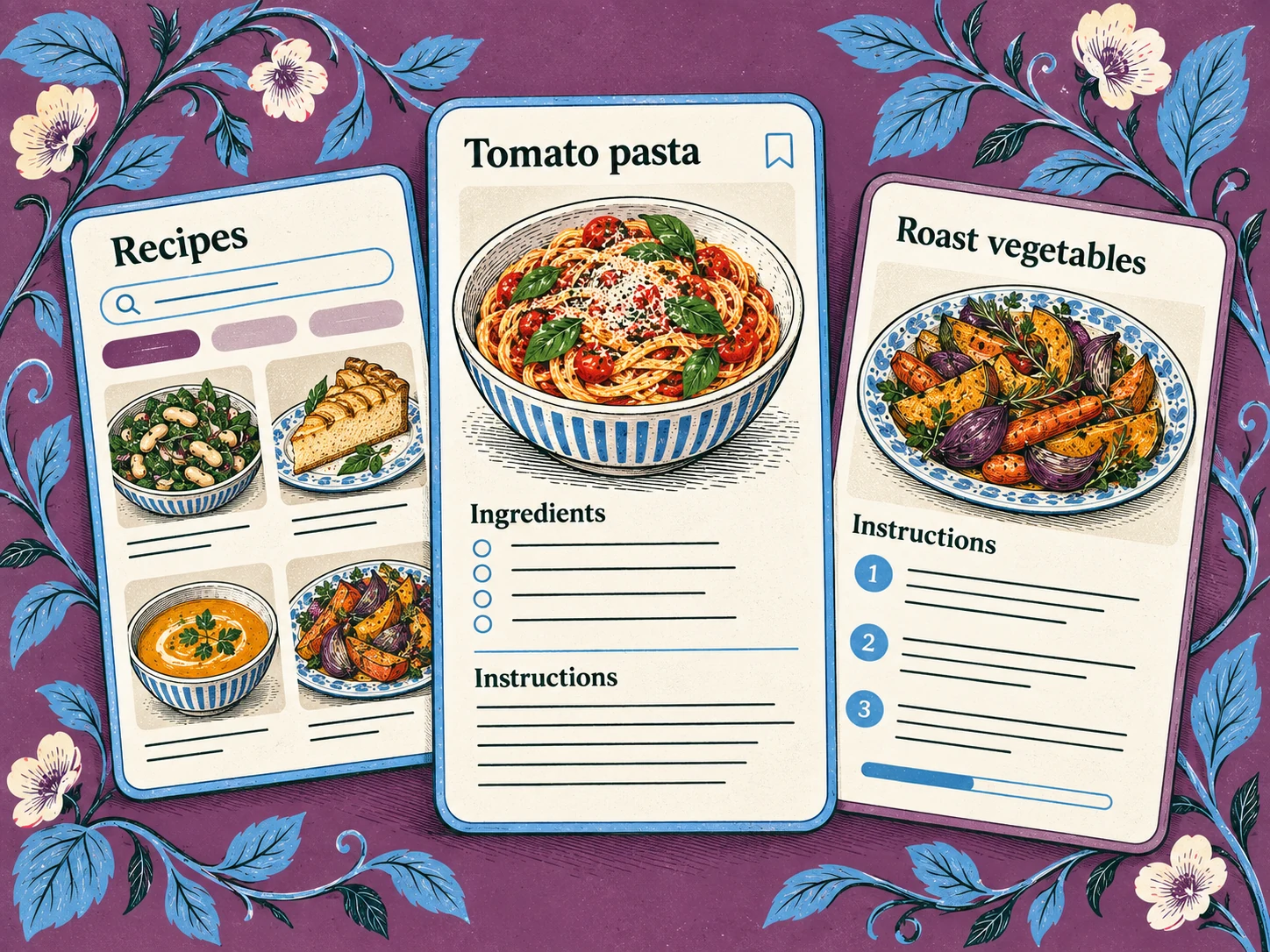
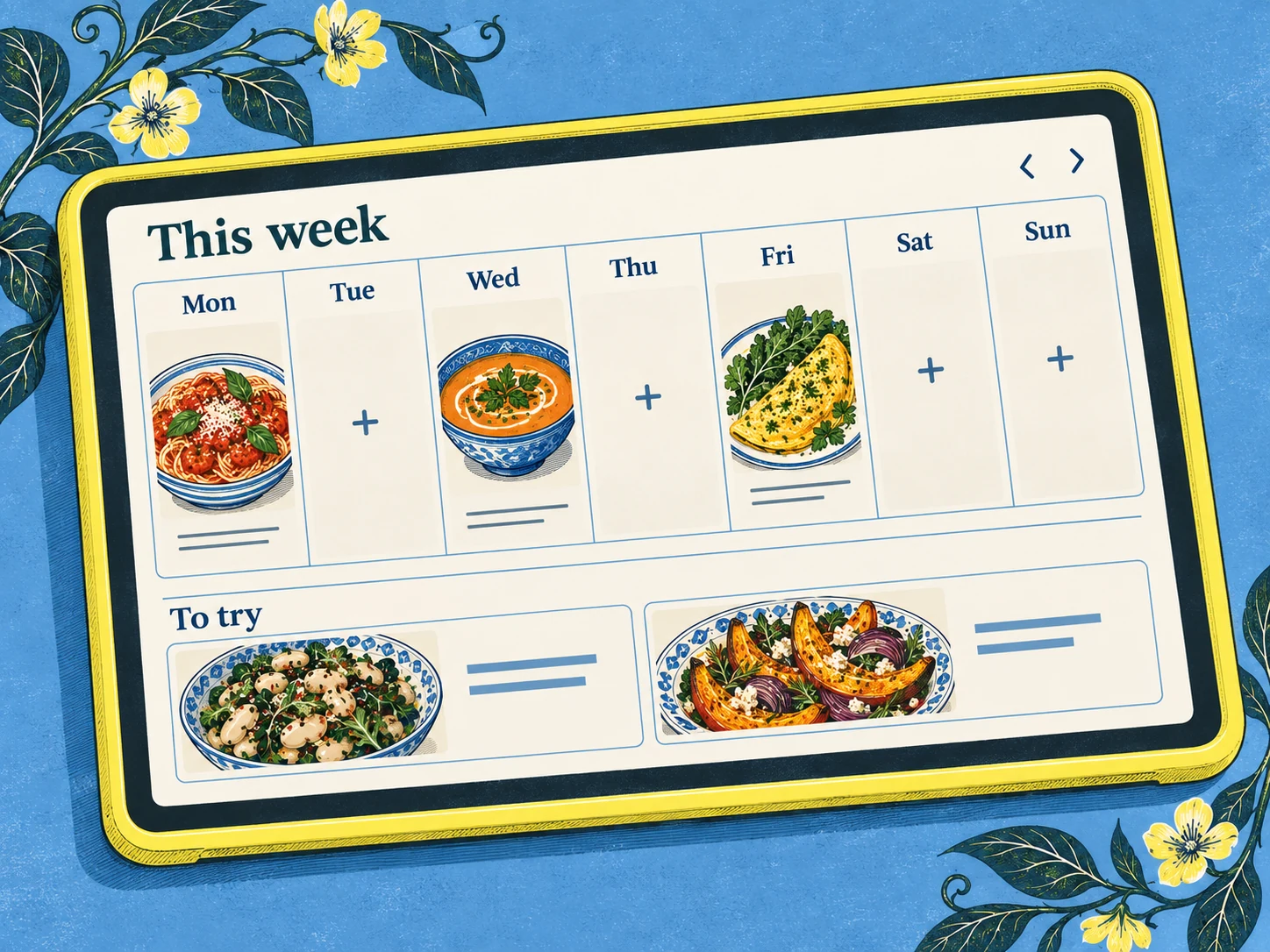
Scullery's household shopping, cookbook and meal planning have no subscription or app purchase cost. Recipe ingredients retain their sources, ordinary household items can join the list, and you can review overlaps before combining them. It runs in phone and desktop browsers; create a free account to start, with usage limits on AI features.
AnyList and OurGroceries suit households looking for dedicated shared lists. Bring! adds a visual approach, while Keep and Reminders can fit an existing notes routine. Several options are free: choose according to the work you need the list to do.
Test one shop together
Imagine needing two tins of tomatoes for sauce, one for soup, oat milk and bin bags. Ask another shopper to edit the list and tick off an item. Check that both people understand the tin sizes and that their changes appear.
Try the app with poor reception if that's common in your shop; don't assume offline editing works. In Scullery, recipe-linked shopping keeps the reason for an ingredient nearby. Check the cupboard before buying, and agree to tick items off when they reach the basket.